Recipe Card Maker
Design printable recipe cards and sheets with Letter, A4, 3x5, and 4x6 layouts, cookbook-style fonts, ingredient columns, paper patterns, and text color.
The inputted text is too long to include in a share link.
Scale pasted recipe ingredients from one yield to another with fraction-friendly formatting and highlighted lines that need review.
Use this scaler when resizing a recipe for a different number of servings, a larger batch, meal prep, catering, or a test bake.
Recipe ingredients are informal, so the scaler looks for a quantity at the start of each line and keeps the rest of the wording intact. It recognizes entries like 1 1/2 cups flour, half a cup of water, and a heaping tablespoon of sugar.
This is useful for cooks adapting a trusted recipe without rewriting the whole ingredient list by hand. It can help double a dinner recipe, scale cupcakes from 12 to 18, reduce a sauce for a smaller household, or prepare a shopping list for a larger batch.
Lines without a clear starting quantity, such as salt to taste, are preserved and highlighted in the scaled output so they can be reviewed instead of guessed.
Review spices, leaveners, thickening agents, salt, and very small measurements after scaling. Those ingredients do not always scale perfectly by arithmetic because taste, pan size, evaporation, and cooking time can change with batch size.
S = \frac{Y_t}{Y_o}
Y_t is the target yield and Y_o is the original yield.
Q_s = Q_o \cdot S
Q_o is the parsed ingredient quantity and Q_s is the scaled quantity.
Modifiers such as heaping, scant, and packed are preserved as text because they describe how a measure is taken. The scaler does not pretend that a heaping tablespoon has one universal numeric value.
The calculator changes quantities, not units. If a recipe says cups, the result stays in cups; if it says grams, the result stays in grams. That avoids unreliable density assumptions for ingredients like flour, cocoa, chopped nuts, and shredded cheese.
The scale factor is the new yield divided by the original yield. Multiplying an ingredient amount by that factor is straightforward when the amount is numeric and the ingredient behaves linearly. Read every highlighted or unchanged line because headings, ranges, package sizes, “to taste,” and descriptive text may need a human decision.
Confirm what the yield means. Twelve cookies, twelve servings, twelve jars, and twelve ounces are different bases. A recipe can also list a pan size rather than servings. When portion size changes along with the count, a simple yield ratio may not represent the intended total.
Use weight for flour, sugar, butter, meat, and other ingredients when accuracy matters. Volume measures can pack differently, and scaling a small spoon fraction to a large batch magnifies the variation. Do not convert volume to weight without an ingredient-specific density or a reliable source for that exact product.
Pan dimensions do not scale by width alone. Area controls batter depth in a sheet or round pan, and volume matters for a loaf or deep vessel. A different depth changes heating time and the risk of overflow. Check pan capacity and leave headroom rather than assuming double batter belongs in a pan that looks twice as long.
Cooking time and temperature rarely scale in direct proportion to ingredient quantity. A larger roast, deeper casserole, crowded sheet pan, or fuller pot heats differently. Keep the tested temperature unless a reliable adaptation says otherwise, begin checking with appropriate visual and temperature cues, and use a calibrated food thermometer when safety depends on doneness.
Salt, spices, leavening, thickeners, yeast, and strong flavorings may need adjustment after linear scaling. Start conservatively when the cost of excess is high and tasting is safe. Baking formulas are sensitive to leavening, acidity, structure, and pan depth, so test a small batch before producing an important large order.
Package and count units need purchasing decisions. A result such as 2.4 eggs, 1.6 cans, or part of a bunch is mathematically valid but not operationally complete. Decide whether to weigh a beaten egg, round a package up, use the remainder elsewhere, or revise the batch size. Record the decision in the final recipe.
Review storage and food safety at the larger or smaller yield. Cooling a large batch safely can require shallow containers and more refrigerator space, while a tiny batch may cook faster than expected. Follow current official guidance for perishable ingredients and do not let a scaled quantity override safe equipment capacity or holding time.
The USDA food-safety basics provide general handling guidance. A scaled recipe still needs food-specific temperature, cooling, storage, and reheating decisions.
Built and maintained by utilkit. Updated . Found an issue? Send corrections to contact@utilkit.com
Design printable recipe cards and sheets with Letter, A4, 3x5, and 4x6 layouts, cookbook-style fonts, ingredient columns, paper patterns, and text color.
Scale bread formulas with baker's percentages, ingredient weights, total flour, dough weight, hydration, and target batch size.
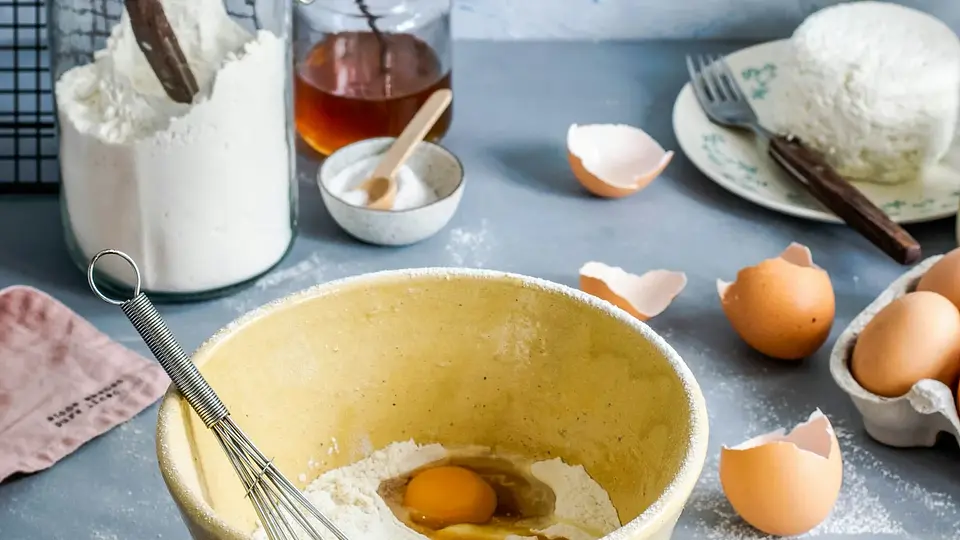
Calculate a recipe scaling factor, convert awkward amounts, and know which ingredients, pans, and cooking times need judgment instead of simple multiplication.
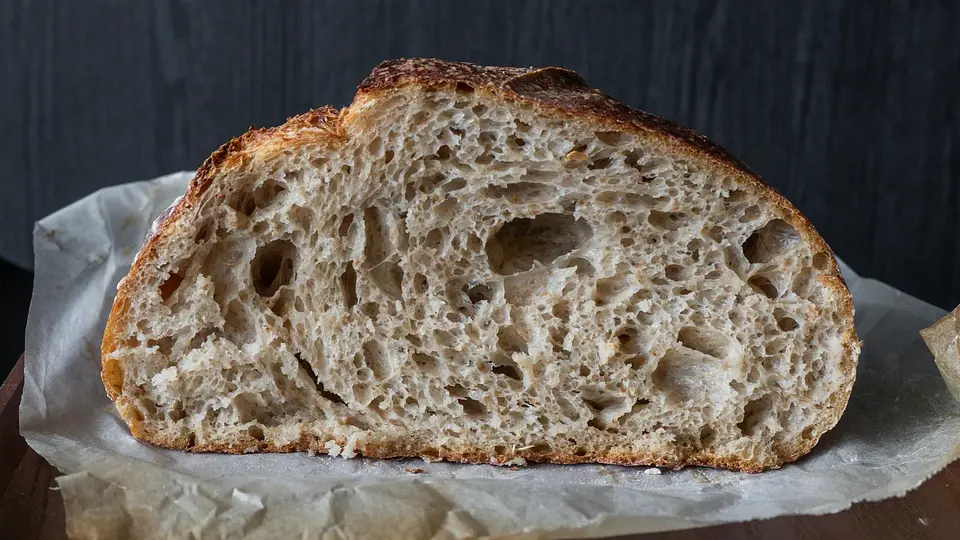
Choose a hydration range for sandwich bread, sourdough, bagels, focaccia, ciabatta, pizza, and more—then adjust it for your flour and technique.